def yjautounpackwin(overwrite):
    global LIMIT_BY_HOURS, PROCESS_LIMIT_HOURS
    now = time.time()
    import os
    import fnmatch
    from UnityPy import AssetsManager
    import re

    # prefab 路径匹配规则(基于 container)
    container_patternsfor = [
        "assets/resources/versionshare/baseassets/uiprefabs/simpleprefab/img_prefabs/*/*.prefab",
        "assets/resources/honly/baseassets/uiprefabs/simpleprefab/img_hcg_dynamic/*.prefab",
        "assets/resources/honly/baseassets/uiprefabs/simpleprefab/img_cg_dynamic/*.prefab"
    ]

    def container_matches(path: str):
        for pattern in container_patternsfor:
            if fnmatch.fnmatch(path, pattern):
                return True
        return False

    def sanitize_filename(name: str):
        return "".join(c if c.isalnum() or c in " -_." and c not in '<>:"/\\|?*' else "_" for c in name)

    def process_file(file_path, output_base):
        env = AssetsManager()
        try:
            env.load_file(file_path)
        except Exception as e:
            print(f"[×] 加载失败: {file_path},错误: {e}")
            return

        container_path = None
        for obj in env.objects:
            try:
                container_path = obj.assets_file.container.container[0][0]
                break
            except Exception:
                continue

        if not container_path:
            print(f"[×] 无 container: {file_path}")
            return

        if not container_matches(container_path):
            return

        relative_dir = container_path.replace("\\", "/")
        prefab_base = os.path.splitext(relative_dir)[0]  # 去掉 .prefab
        output_dir = os.path.join(output_base, prefab_base)

        os.makedirs(output_dir, exist_ok=True)

        for obj in env.objects:
            if obj.type.name not in ("Texture2D", "TextAsset"):
                continue

            name = obj.peek_name()
            if not name:
                continue

            if obj.type.name == "Texture2D":
                name += ".png"
                out_path = os.path.join(output_dir, sanitize_filename(name))
                if os.path.exists(out_path) and not overwrite:
                    #print(f"[跳过] 已存在: {out_path}")
                    continue
                try:
                    data = obj.read()
                    img = getattr(data, "image", None)
                    if img:
                        img.save(out_path)
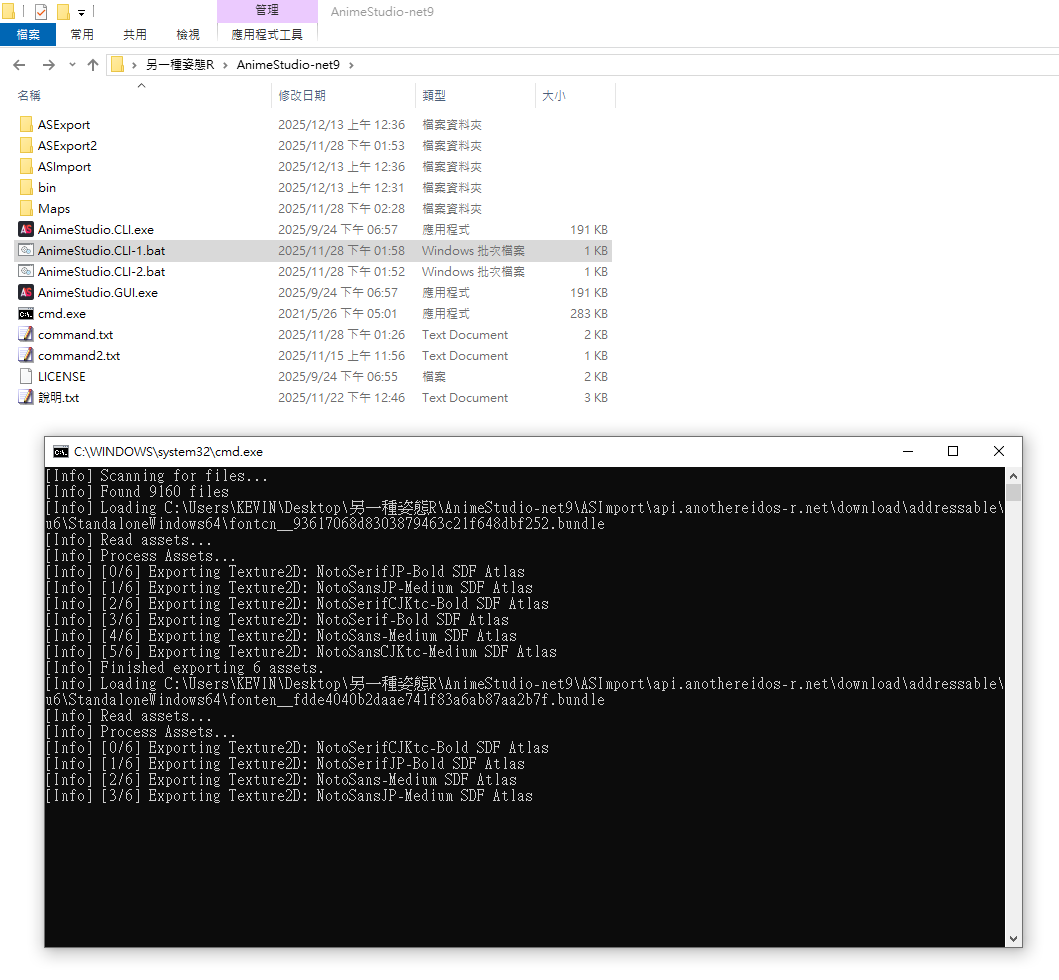
                        print(f"[*] 导出图像: {out_path}")
                    else:
                        print(f"[×] 无图像数据: {out_path}")
                except Exception as e:
                    print(f"[×] 导出失败 {name}: {e}")


            elif obj.type.name == "TextAsset":

                out_path = os.path.join(output_dir, sanitize_filename(name))

                if os.path.exists(out_path) and not overwrite:
                  #  print(f"[跳过] 已存在: {out_path}")

                    continue

                try:

                    data = obj.read()

                    has_skeleton = 0

                    content = (
                            getattr(data, "script", None)
                            or getattr(data, "bytes", None)
                            or getattr(data, "text", None)
                            or getattr(data, "data", None)
                            or getattr(data, "raw_data", None)
                            or getattr(data, "m_Script", None)
                    )
                    if isinstance(content, str):
                        has_skeleton = '"skeleton":' in content

                    if has_skeleton and (not out_path.endswith('.json')):

                        out_path = f'{out_path}.json'

                        if os.path.exists(out_path) and not overwrite:  # and not overwrite:

                            # print(f"[跳过] 已存在: {out_path}")

                            continue

                    with open(out_path, "wb") as f:

                        f.write(data.m_Script.encode("utf-8", "surrogateescape"))

                    print(f"[*] 导出: {out_path}")


                except Exception as e:

                    print(f"[×] TextAsset 导出失败: {e}")

    # 主程序入口
    input_folder = os.path.join(os.getcwd(), r"resdownload\樱境物语PC\decode")
    output_folder = os.path.join(os.getcwd(),  r"autounpack\樱境物语PC")
    prefixes = (
        "assets_resources_honly_baseassets_uiprefabs_simpleprefab_img_",
        "assets_resources_versionshare_baseassets_uiprefabs_simpleprefab_img_prefabs_elementaltar_",
        "assets_resources_versionshare_baseassets_uiprefabs_simpleprefab_img_prefabs_mirror_card_"
    )

    for root, _, files in os.walk(input_folder):
        for file in files:
            if any(p in file for p in prefixes):
                full_path = os.path.join(root, file)
                if LIMIT_BY_HOURS:
                    mtime = os.path.getmtime(full_path)
                    if now - mtime > PROCESS_LIMIT_HOURS * 3600:
                        continue
                process_file(full_path, output_folder)